mapilio capture guide
Attach the mounting bracket
Accurate shooting is important to provide useful data. Here are the things you should do for clean and clear shots.
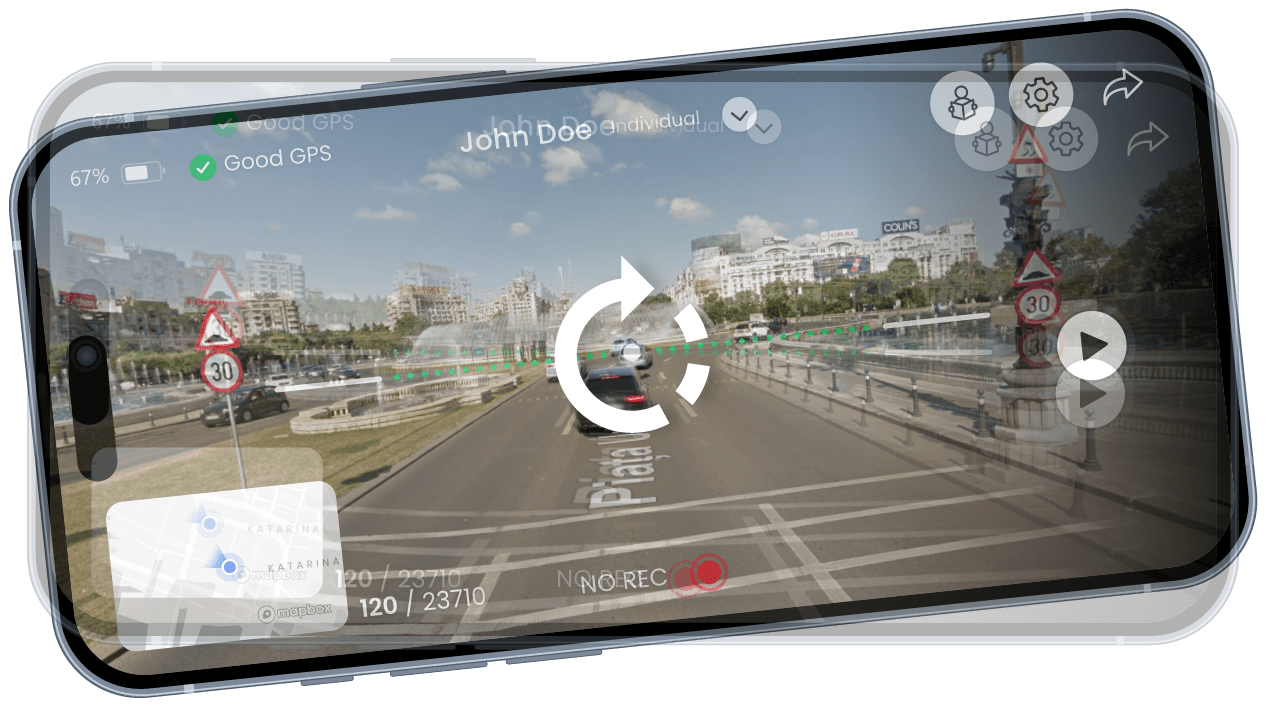
First Step
As the first step to getting the right shot, position your phone stabilizer correctly and make sure the camera is focused on the road. For the smoothest shot after this basic step, follow the rest of the guide below

Set Position

Focus Road

Clean Image
Adjust the position
It is important to properly secure your phone. Aside from the fact that the images will not come out properly while holding it in your hand, you should definitely not deal with the phone while driving.
In case the phone vibrates and therefore the image shakes, clear shots cannot be achieved, which renders the data you provide unusable. For this reason, make sure that you fix the phone in a proper area.
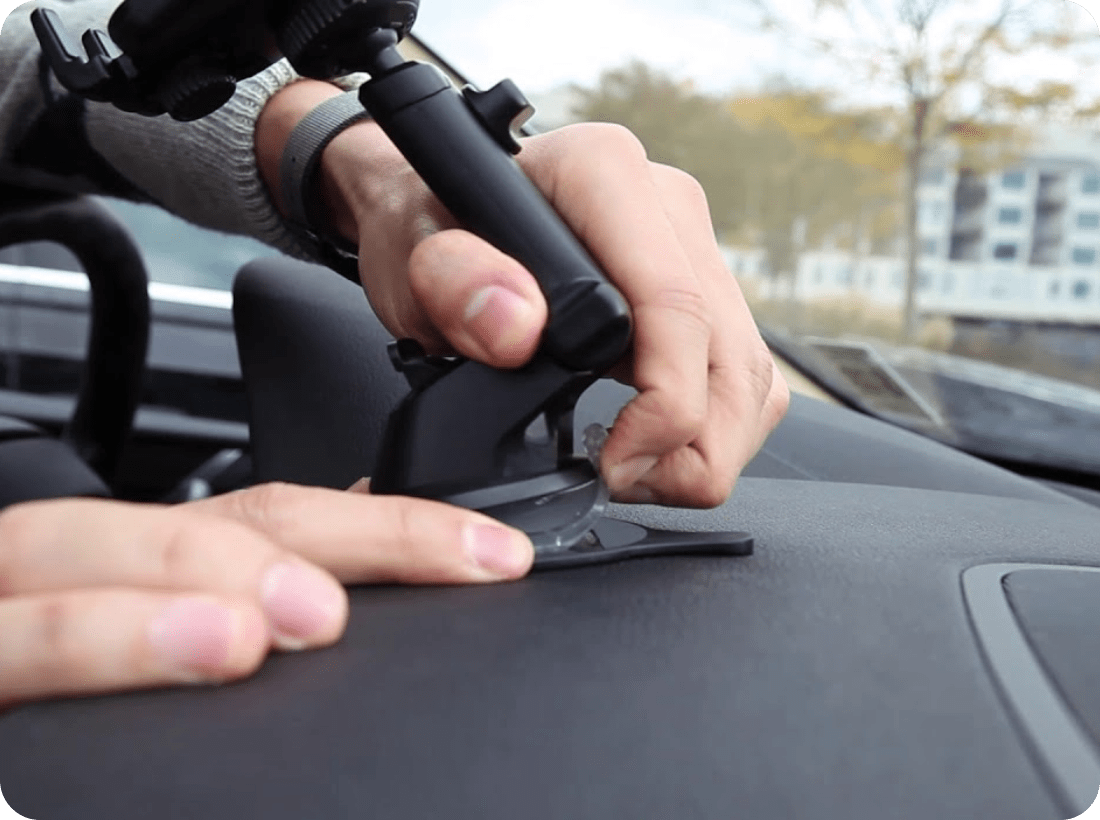
Mount the smartphone
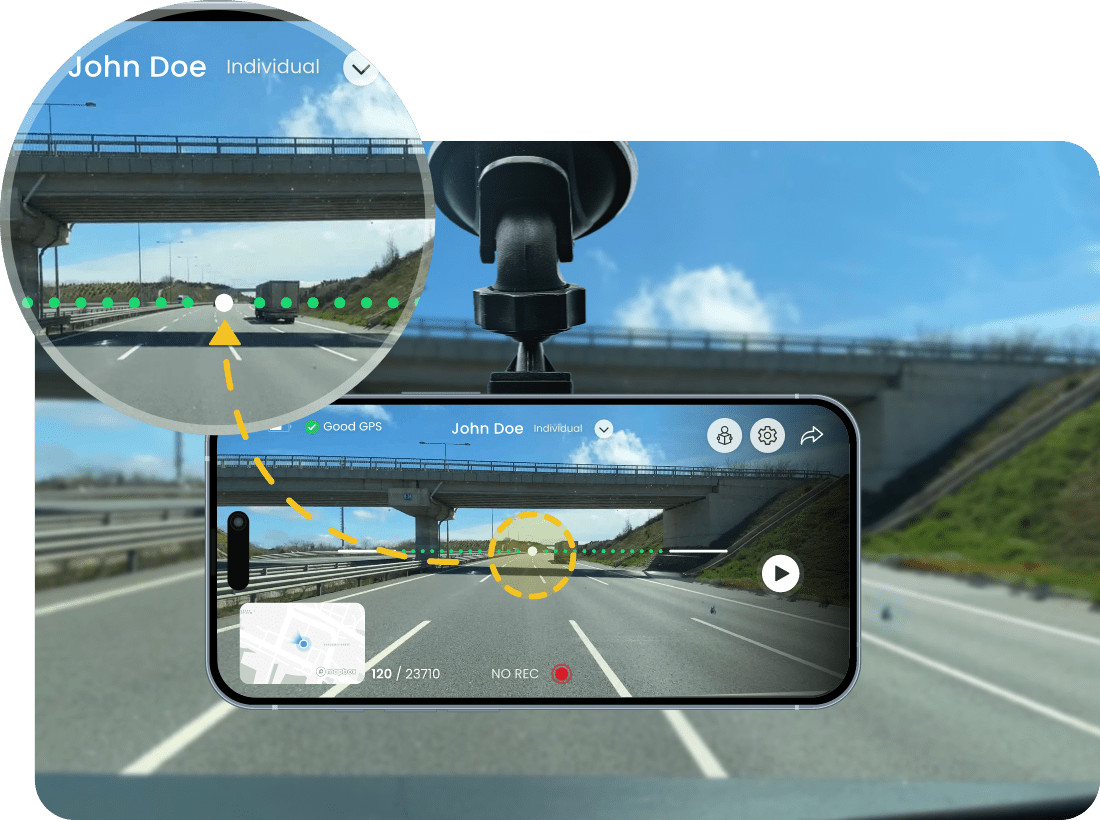
For optimal focus, make sure to position the white dot on the screen guide accurately and wait until it turns green before proceeding with any action.
Thus, the camera works at the right angle and focus to achieve the most accurate shot. This setting is also important for proper rendering of images. For efficient shots, you should pay attention to this step.
Clean the windshield
Clean before mounting your smartphone with a soft cloth or microfiber towel to avoid interference
The windshield is just as important as cleaning the camera for a clear shot. After making all the position and focus adjustments, make sure your camera and windshield are clean. In this way, the shots taken are clean and clear.

Make sure the captured image is clean
After explaining how to take smoother shots in the guide above, here we will talk about things to avoid while shooting.

Avoid shooting at night or in low-light conditions.

Avoid steamy Windows and blurry images when taking pictures.

Avoid shooting in rainy or snowy weather.
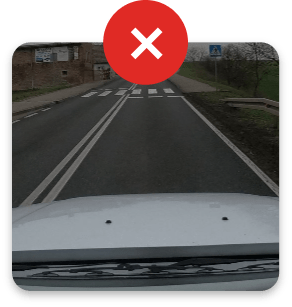
Ensure that the phone holder's suction cup is not visible in the image.
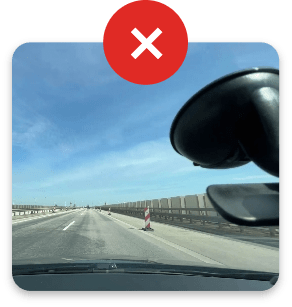
The phone holder part should not be visible on the screen